
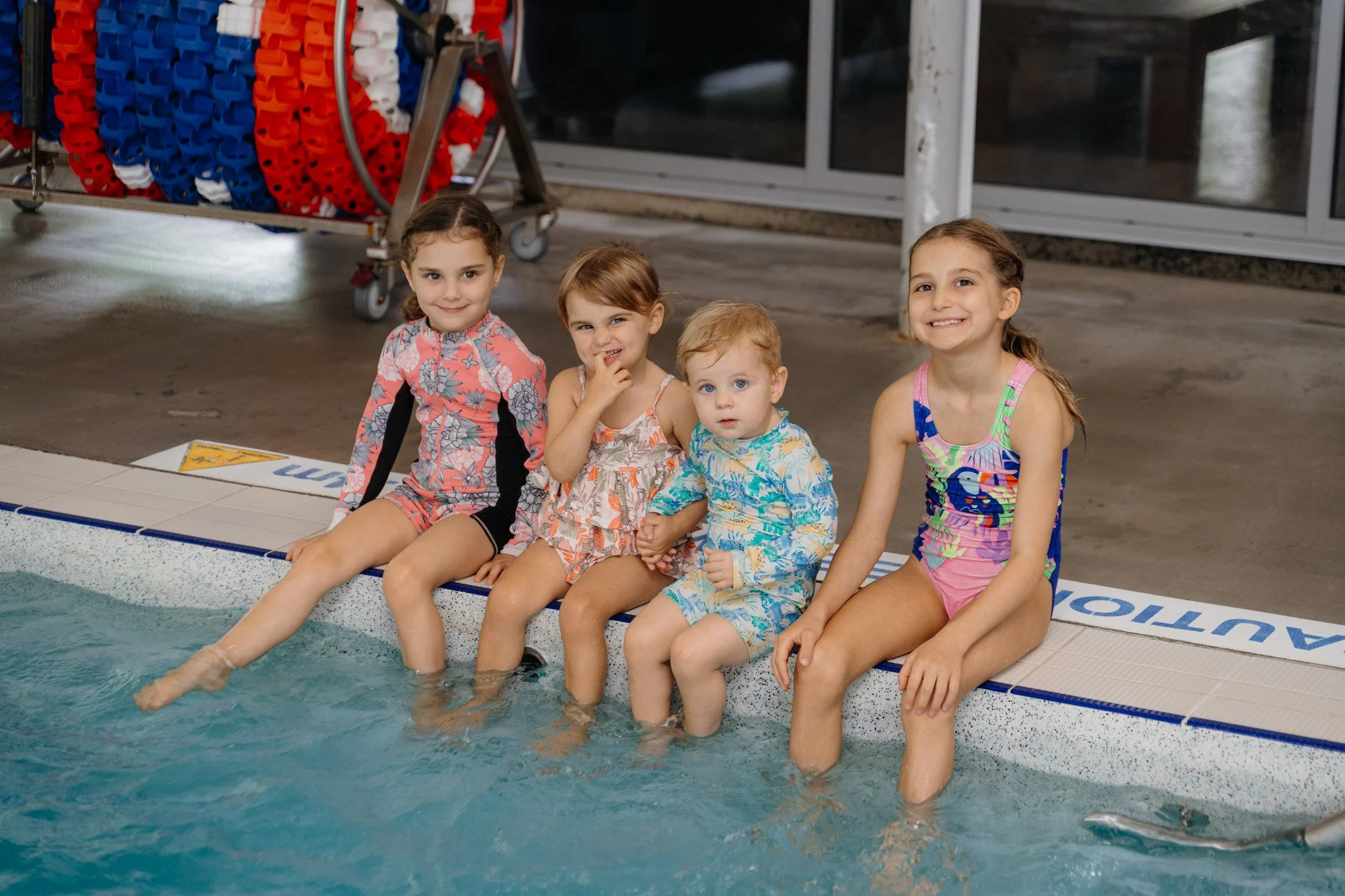
Swim School & Squads now has an app!
Managing your swimming lessons is about to become much easier!
We’re really excited about this upgrade and can’t wait for you to experience a simpler, easier and more convenient way to manage your family’s swimming lessons.

How does the Swim School app work?
You now have flexibility to manage swimming lessons with ease!
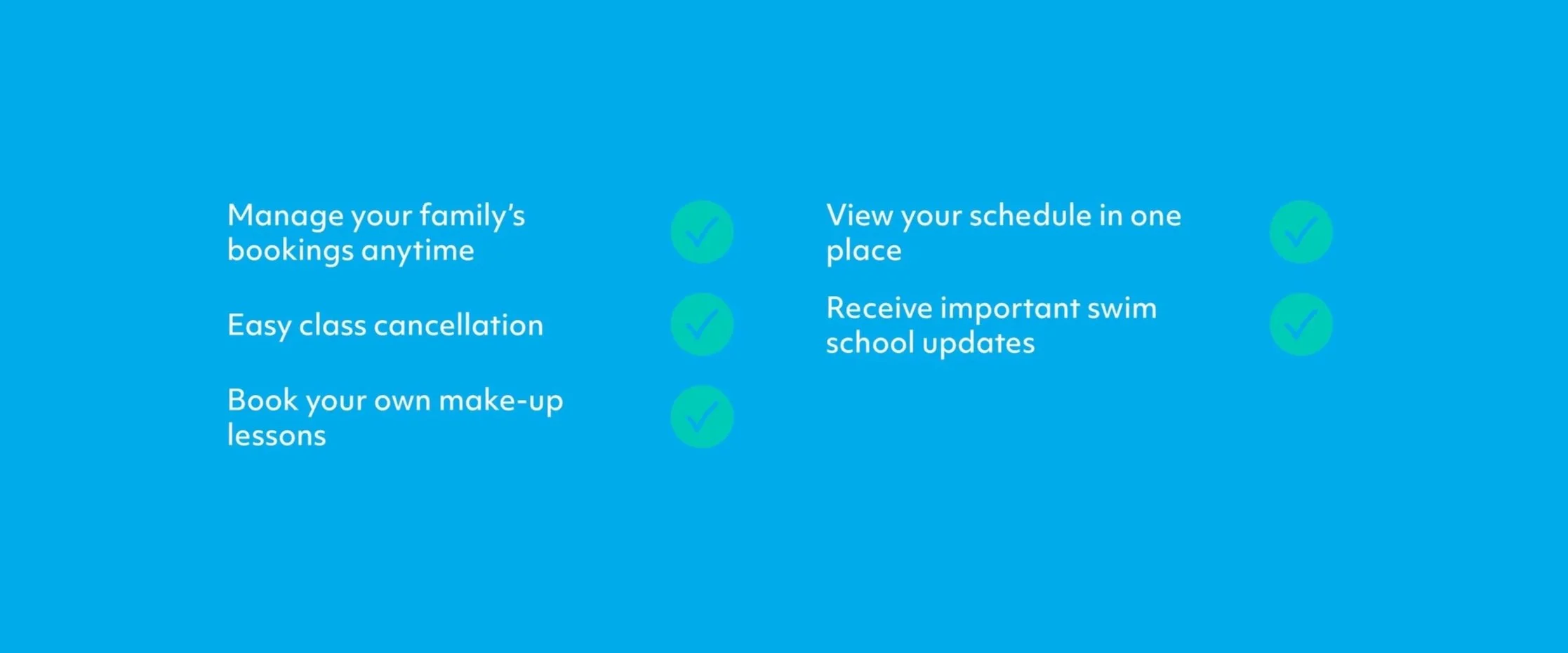
Once you have your Udio account set up, you’ll be able to:
View all of your children's swimming schedule and bookings in one place
Cancel a lesson you can’t attend
Book your own make-up lessons
Change your child’s lesson day or time
Set up your payment method
Update your contact details
View your child’s swimming progress
Receive important updates and information from Goodlife Swim School
How do I set up my account?
Click here to create your Udio account and register.
Enter your families details and create a password.
You’ll then receive a verification email, simply click the link in that email to verify your account.
Once you’ve registered, email swim school to book your assessment.
Download the new Goodlife Swim School App ready for launch on Monday the 5th of October
Will my outstanding make-up lessons transfer over to the app?
Lessons can’t be transferred into the new platform. Please make sure you use your existing make-up lessons by Friday the 2nd of October
Tips for using the Swim School app
We’ve put together a helpful video to show you around the new system and explain how you can use your account:
We’ll also be sending helpful emails over the coming weeks with simple step-by-step instructions, FAQs and tips to make the transition as smooth as possible.
Important dates
Friday 18 September – Registration deadline
This is the final day to create your account so we can rebook your swim school lesson. Failure to register may result in the loss of your current class time.
Friday 2 October – Remaining make-up lessons deadline
Book any remaining make-up lessons, before they expire on Friday 2 October.
Monday 5 October – Udio officially launches!
From this date:
Your swimming lessons will be managed through Udio.
Payments will begin processing through the new platform (fortnightly every Monday for everyone).
You’ll be able to manage bookings and make-up lessons.
You’ll have access to your child’s progress and other account information.
All outstanding make-up lessons will be cancelled.
If you have any questions or need help setting up your account, please email us at swimschool@goodlife.org.au